
In-House Counsel Legal Software Solution
Use CaseFox to centralize all your legal work, plan tasks, track billable hours, communicate, and collaborate, while staying updated on how your in-house team is performing and progressing.





Trusted by 25,000+ law firms
across the world





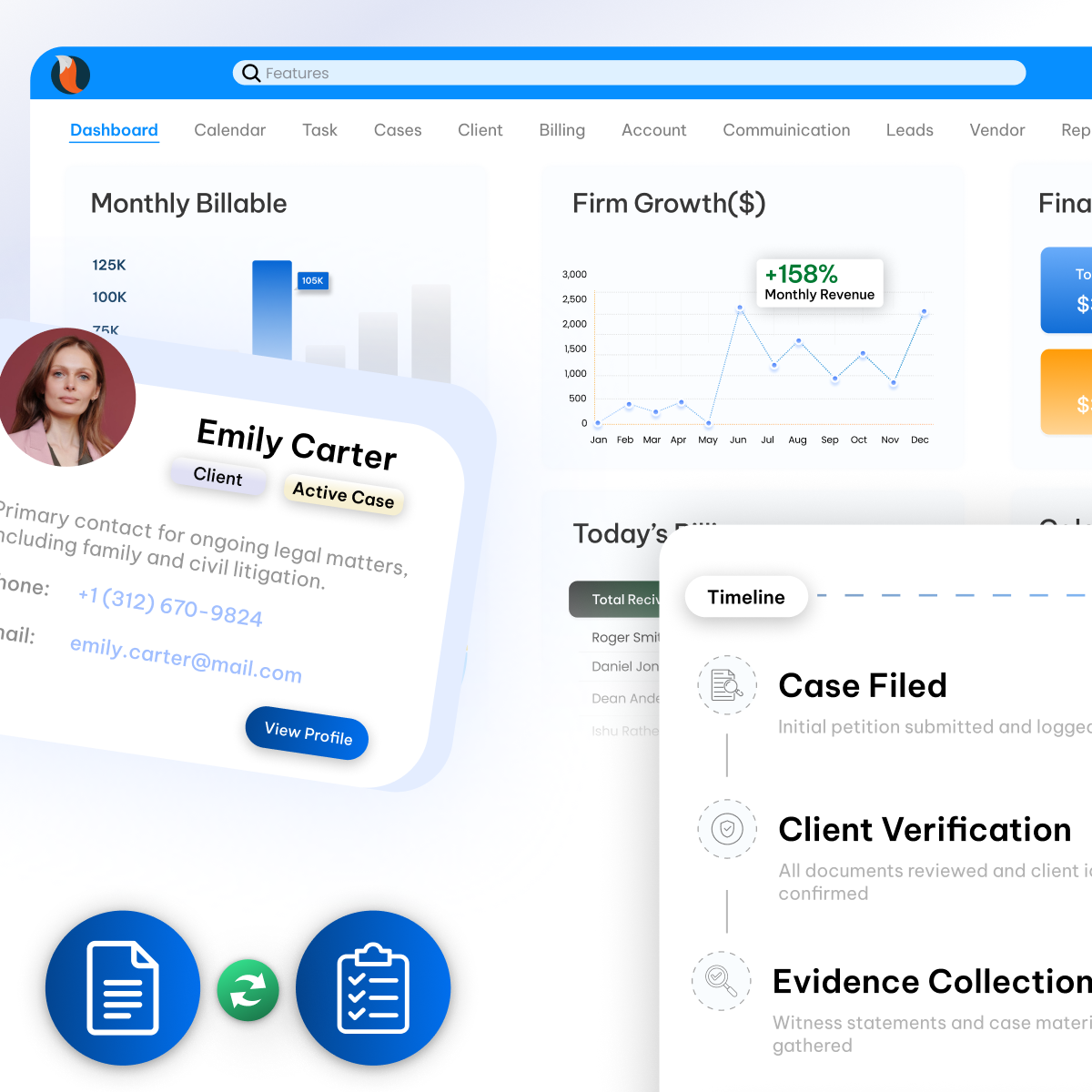
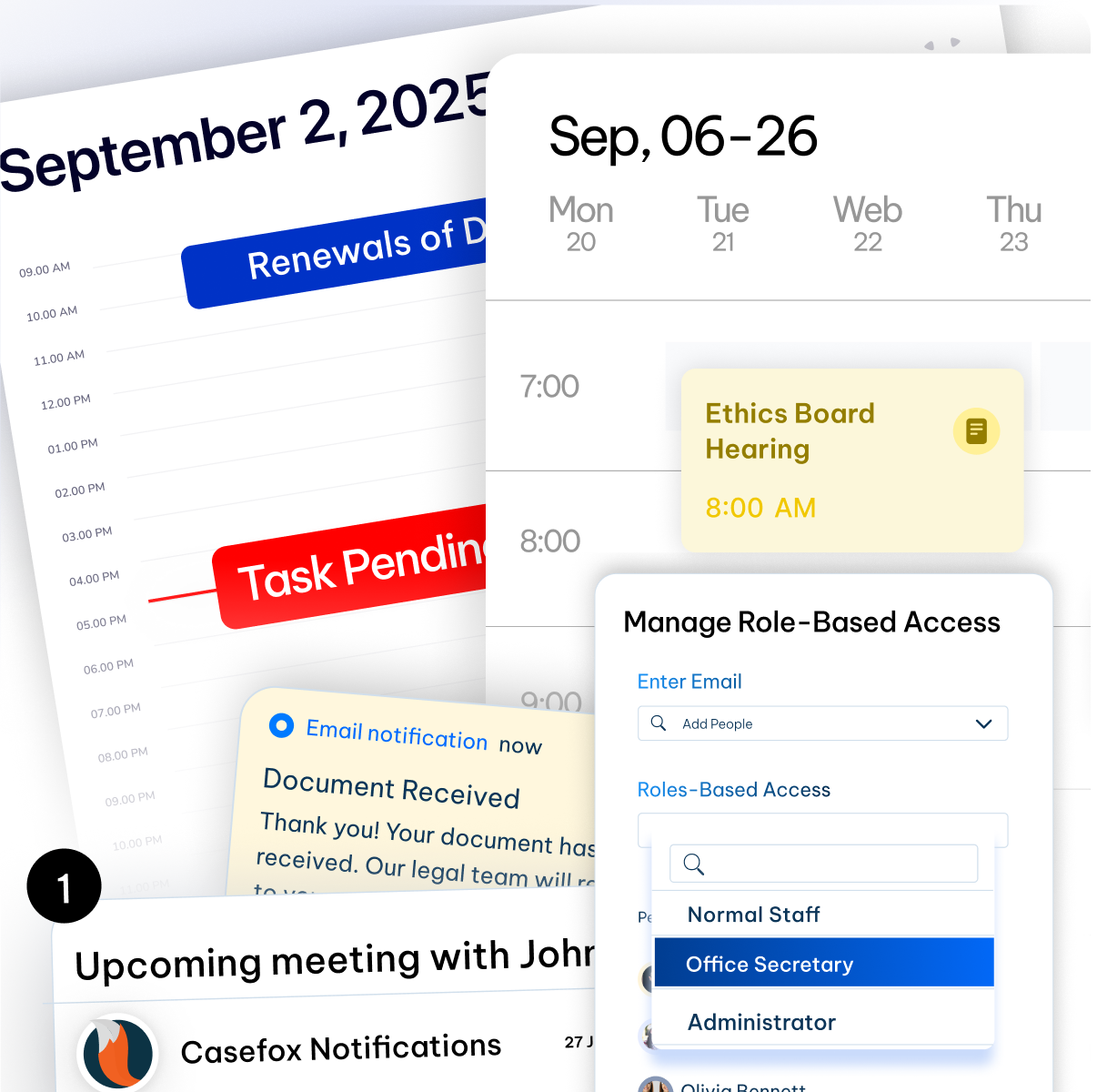
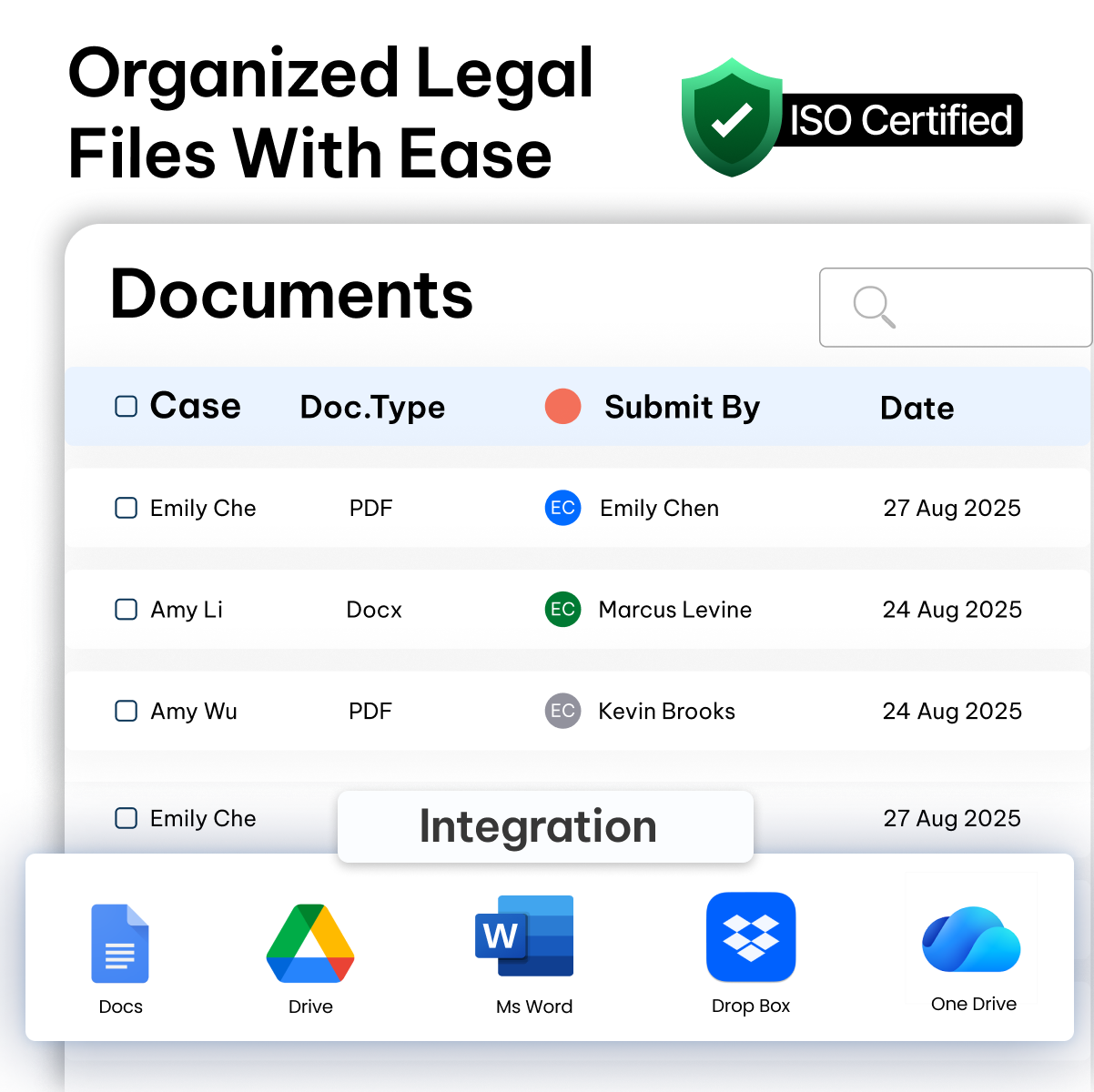

# Efficiently manage documents
Efficiently manage documents with Casey AI
Create contracts, policies, and compliance documents, and review internal files, using CaseFox’s legal AI document generator tailored for corporate legal work.
Generate in-house documents
Draft multiple contracts, playbooks, and standard templates in seconds with clear prompts using CaseFox AI.
Automated contract analysis
Quickly review vendor and partner agreements to surface key terms, risks, and compliance gaps in one pass with CaseFox AI.
Privacy as a priority
CaseFox AI only shows information you’re permitted to view for assigned matters. Data shared with the assistant remains private and access-controlled.

See What Our Clients Are Saying
Here’s what other legal professionals and law firms are saying about us. Be a part of leading legal tech with CaseFox.





“CaseFox has transformed how we handle city contracts and compliance deadlines. The automated reminders alone have saved us from missing critical filing dates, and our department runs much smoothly now.”

“This software keeps everything organized in one place. The billing features work perfectly for our department budget tracking, and the security gives us peace of mind with sensitive government data.”

“CaseFox makes managing our legal records and government cases much easier. The task tracking and alerts help us stay on time with every filing, and it has improved how our office works overall.”

Upskill your In-House Team Strategically
CaseFox helps in-house legal teams simplify daily work, keep cases updated, and give firm partners accurate reports.
60% faster contract reviews and approvals
Track each case stage, set reminders for clause reviews and renewals, and keep version history and comments in one place.
30% better visibility into outside counsel spend
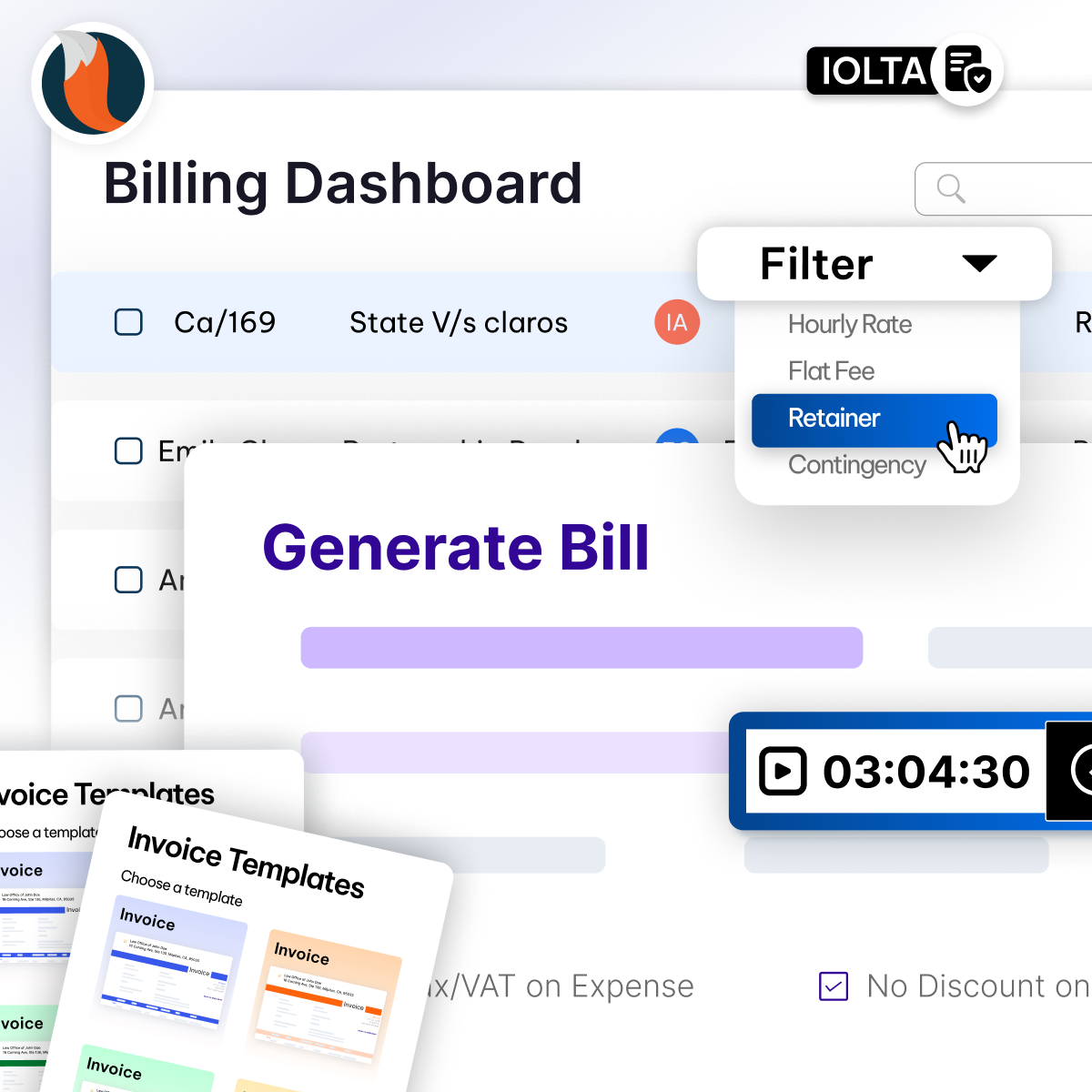
Consolidate invoices, apply custom rates, and compare estimates vs. actuals to keep budgets on track.
2x faster intake-to-case start
Capture accurate data faster with simple intake forms, convert leads to clients, attach a client to a case, and arrange tasks, documents, and timelines.
Manage All Practice Areas With One Platform

Government Law
Support your firm's government practice with organized case, document, and vendor management for local, state, and federal agencies. Effortlessly organize RFP responses, deadlines, and more.
Learn More →
Health Law
Manage complex healthcare matters with a secure organization for cases, calendars, documents, and billing, so you can deliver responsive, effective client service.
Learn More →
Personal Injury Law
Automate client intake, manage schedules, and track every task or court date in one secure platform, so you can stay focused on strong client outcomes.
Learn More →
Employment Law
Manage your workplace practice with tools for wage, hour, and workplace compliance. Track discovery, deadlines, and all communications fully organized and integrated across any location.
Learn More →
Bankruptcy Law
Guide clients through financial issues while CaseFox keeps your practice organized and on track, managing every bankruptcy matter and LEDES invoices.
Learn More →
Immigration Law
From customized intake forms for smooth onboarding to multilingual support that breaks language barriers, everything is built to serve clients from around the globe.
Learn More →
Civil Litigation Law
Keep pleadings, discovery, and trial preparation materials both secure and accessible. Delegate tasks, set reminders, and monitor progress, everything your litigation team needs in one place.
Learn More →
Family Law
Support families through divorce, custody, and adoption with effortless client intake, document management, and billing so you can keep your practice focused on clients.
Learn More →
Criminal Law
Research and strategise a strong defense case with smart tools for evidence management, secure client communication, billing, and case tracking.
Learn More →Premium Services for All Users at ‘NO’ Additional Cost
CaseFox is not just another legal software; it creates an experience for all users with personalized demos, advanced training, seamless data migration, and expert 24/7 support.
Get Started
3. Staff Training
Onboard staff efficiently with our on-demand training session with a dedicated account manager!
4. 24/7 Support
We are available for you 24/7 via phone, email, or chat to raise tickets and get immediate answers.
Easily Integrates with The Tools You Already Use
Bring everything together by connecting your calendar, email, Office 365, Google Workspace, accounts, and payments to CaseFox.

Box

Dropbox

Excel file

Gmail

Google Calendar


Office 365

Outlook

QuickBooks

Teams

Word
Box

LawPay

PayPal

Xero
Dropbox
Excel file
Gmail
Google Calendar
Office 365
Outlook
QuickBooks
Teams
Word
Box
Dropbox
Excel file
Gmail
Google Calendar
Office 365
Outlook
QuickBooks
Teams
Word
Box
Dropbox
Excel file
Gmail
Google Calendar
LawPay
PayPal
Xero
Office 365
Outlook
QuickBooks
Teams
Word
Box
Dropbox
Excel file
Gmail
Google Calendar
Office 365
Outlook
QuickBooks
Teams
Word
Frequently Asked Questions
Couldn’t find what you were looking for ?
Contact us at
What is In-house counsel legal software?
In-house counsel legal software is a workspace built for legal teams to manage requests, cases, contracts, documents, deadlines, and spending in one place. It helps in-house counsel work faster, stay organized, collaborate with business teams and outside counsel, and report results to leadership.
What are the key functions of an In-house counsel legal software?
A few of the key functions of an In-house counsel's legal software are:
Intake and triage: capture requests from the business, route to the right owner, set priority, and SLAs.
Case management: track issues, progress, status, notes, and linked tasks in one dashboard.
Contract workflows: use templates, version control, approvals, clause libraries, and renewal reminders.
Document management: organize files with folders/tags, full-text search, permissions, and audit trails.
Calendaring and tasks: central calendar for key dates, automated reminders, recurring checklists.
Time and billing: timers and manual entries, expenses, rate cards, e-billing formats, chargebacks.
Outside counsel management: guidelines, budgets, estimates vs. actuals, invoice review, scorecards.
Collaboration and portal: secure sharing with business teams and vendors, comments, and messaging.
Reporting and analytics: dashboards for workload, cycle time, spend, and exports for leadership.
Compliance and security: role-based access, encryption, logs, policy controls, retention settings.
Integrations: connect email, calendar, storage, e-signature, and accounting to reduce duplicate work.
Knowledge and playbooks: store policies, FAQs, and playbooks to standardize answers and speed responses.
What are the key benefits of In-house legal matter management software?
Some of the key benefits of In-house legal matter management software are:
Centralized work: one place for intake, cases, documents, reports and notes.
Faster cycles: standard templates, clear owners, auto-reminders.
Better visibility: live status, deadlines, and workload at a glance.
Fewer errors: version control, permissions, and audit trails.
Strong collaboration: shared updates with legal teams and vendors.
How to choose an In-house Counsel Software?
Core workflows first
Ensure it covers intake/triage, matters, contracts, documents, tasks, calendars, and reporting in one place. CaseFox bundles all of these so teams don’t juggle tools.
Contract and document control
Look for templates, version history, approvals, renewal reminders, and quick search. CaseFox supports reusable templates, organized storage, and permissions.
Time, e-billing, and spend
Timers, LEDES/UTBMS, rate cards, vendor tracking, and budget vs. actual expenses are required for outside counsel. CaseFox provides time/expense, LEDES, bulk invoicing, and spend visibility.
Secure collaboration
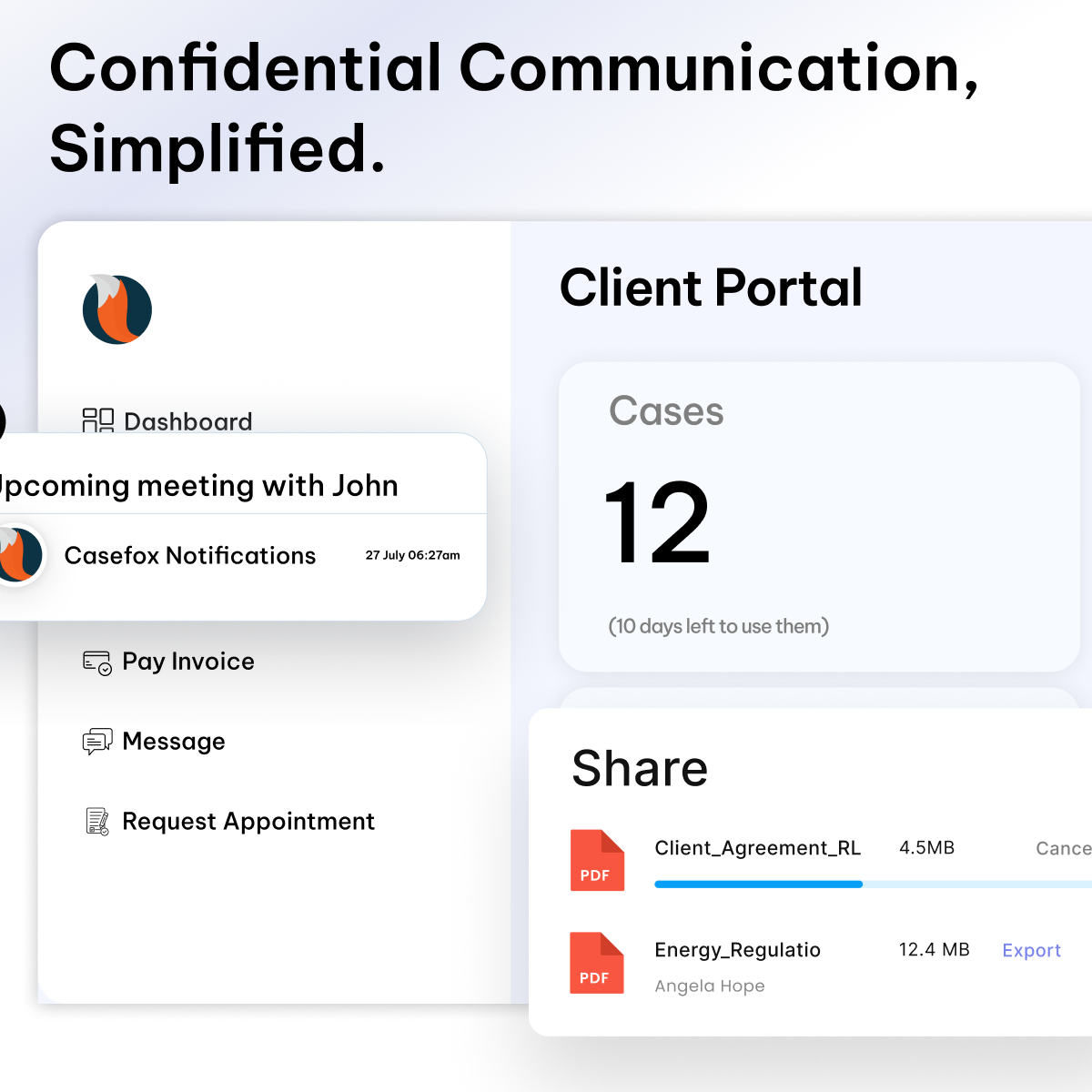
Choose a platform with a portal for business teams and outside counsel, plus role-based access and audit trails. CaseFox offers a secure portal, granular permissions, and logs.
Dashboards and exports
Real-time views of workload, cycle times, and spend, with easy exports to PDF/Excel/CSV for leadership. CaseFox includes live dashboards and detailed report exports.
Integrations
Confirm it connects to email, calendars, storage, e-signature, accounting, and payments you already use. CaseFox integrates with Microsoft 365, Google Drive/Box/Dropbox, QuickBooks/Xero, and online payments.
Compliance and trust
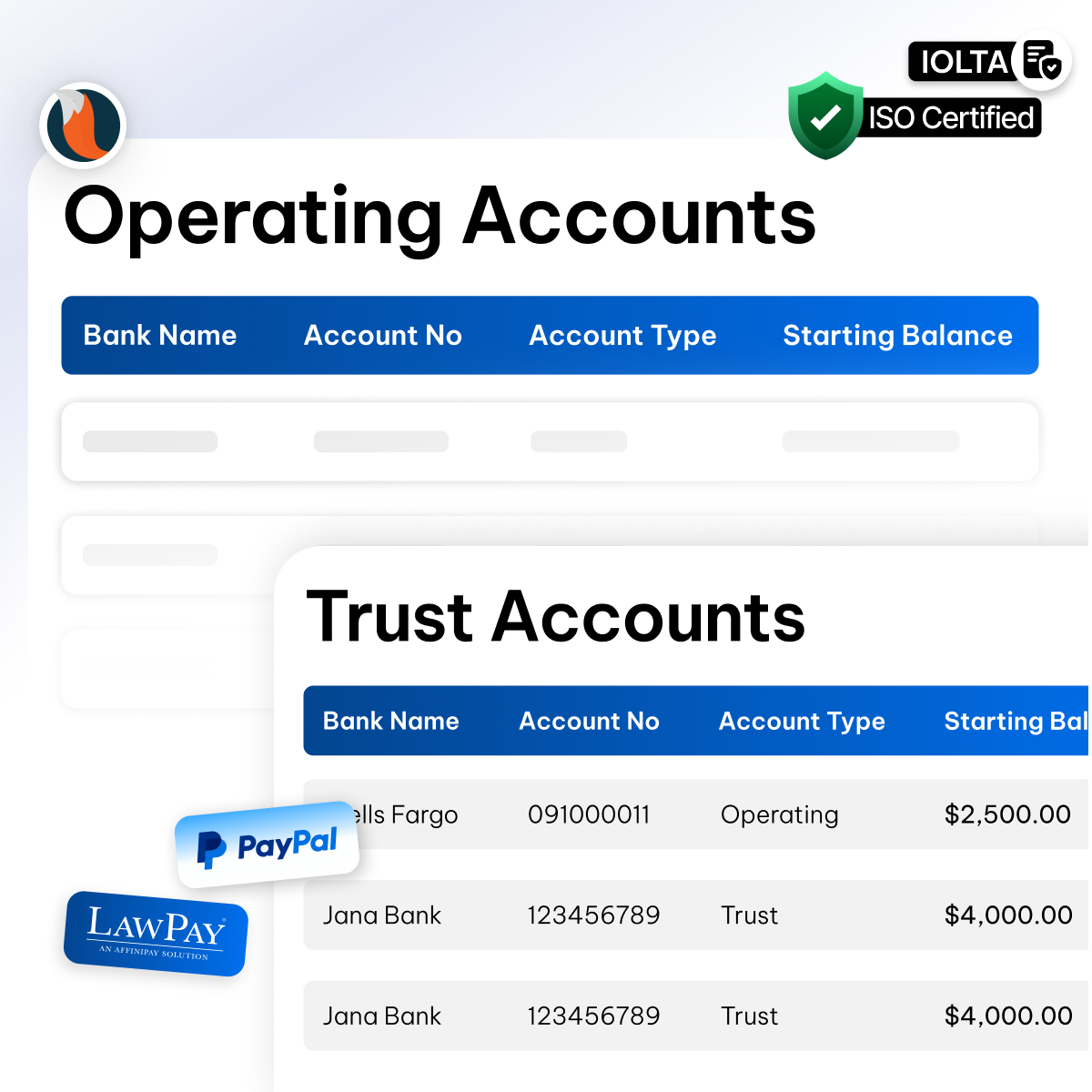
If you manage trust/IOLTA or strict retention, verifying controls and audit readiness is important. CaseFox supports trust accounting, retention-friendly exports, and access controls.
Pricing and flexibility
Check transparent pricing, free trials, and the ability to start small and scale. CaseFox offers a free option to test, with plans that scale as features and usage grow.
Proof and reliability
Look for customer reviews, uptime, and a product roadmap that matches your needs. CaseFox is widely reviewed and continues to expand features for corporate legal teams.
Can CaseFox be used as an In-house legal document management system?
Yes. CaseFox can serve as an in-house legal document management system by storing and organizing documents, tracking versions and approvals, controlling access with permissions, integrating with tools like Google Drive and OneDrive, and offering fast search and secure sharing through a portal.
Is CaseFox's law software built specifically for in-house counsels?
Yes. CaseFox supports in-house needs with matters, documents, approvals, calendars, spend tracking, and a secure portal, so corporate legal teams can run daily work in one place.
Can case management software improve collaboration within my legal team?
Yes. A good case management platform improves collaboration by giving everyone one place to see matters, tasks, deadlines, and documents, with comments and updates shared in real time. Shared calendars, role-based access, and a secure portal keep teammates and stakeholders aligned while reducing email back-and-forth.
Can case management software help analyze legal data and track ROI for In-House counsel?
Yes. Modern case and matter management platforms such as CaseFox give in-house teams dashboards and reports that turn work data into insights, so you can measure turnaround times, workload, outside counsel spend, and budget vs. actual expense, to show ROI. Many tools also track cycle time improvements and capacity gains, helping legal ops quantify time saved, cases handled per FTE, and savings from better vendor management.
Is it secure to store sensitive legal documents in these systems?
Yes. Most legal case management systems use encryption, role-based access, audit trails, and secure portals to protect sensitive files. Many systems align with standards like SOC 2 and GDPR for added assurance.
For example, platforms commonly feature AES-grade encryption at rest and in transit, granular permissions, and logged access so only authorized users can view or share documents.