
2x
Faster Billing
Solo lawyers report billing cycles that are twice as fast
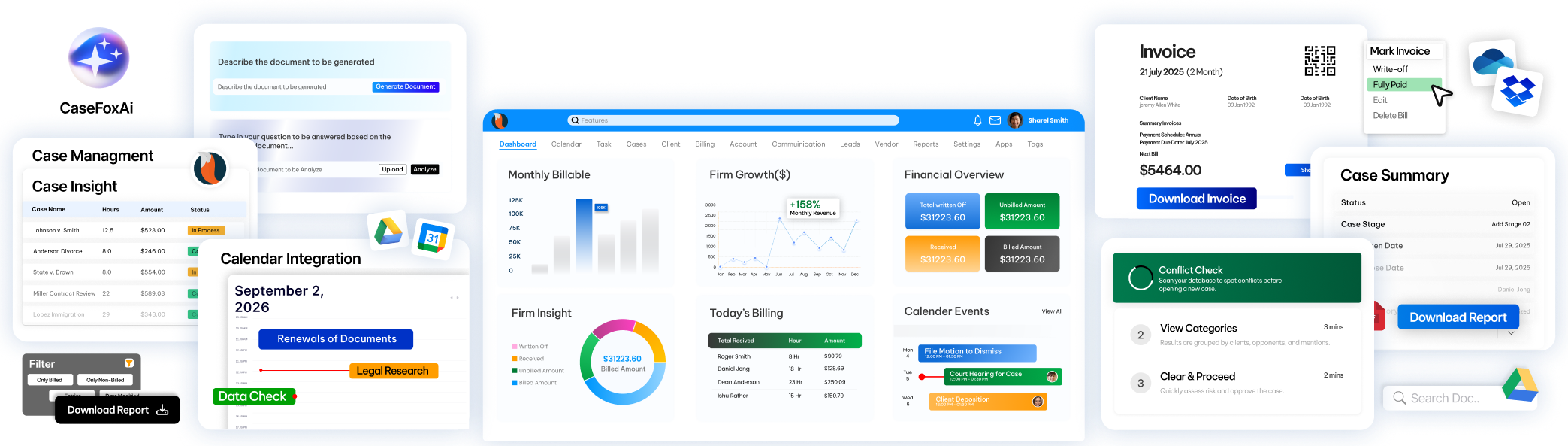
CaseFox legal software for solo practitioners is a tool to capture new clients, manage clients, cases & documents, log billable time, track expenses, automate invoicing, and get paid securely through the client portal.
Our Free Plan is Free Forever | No Credit Card Required | Cancel Anytime
#Case-Ready in Minutes
Dynamic Client Intake & Conflict Checks
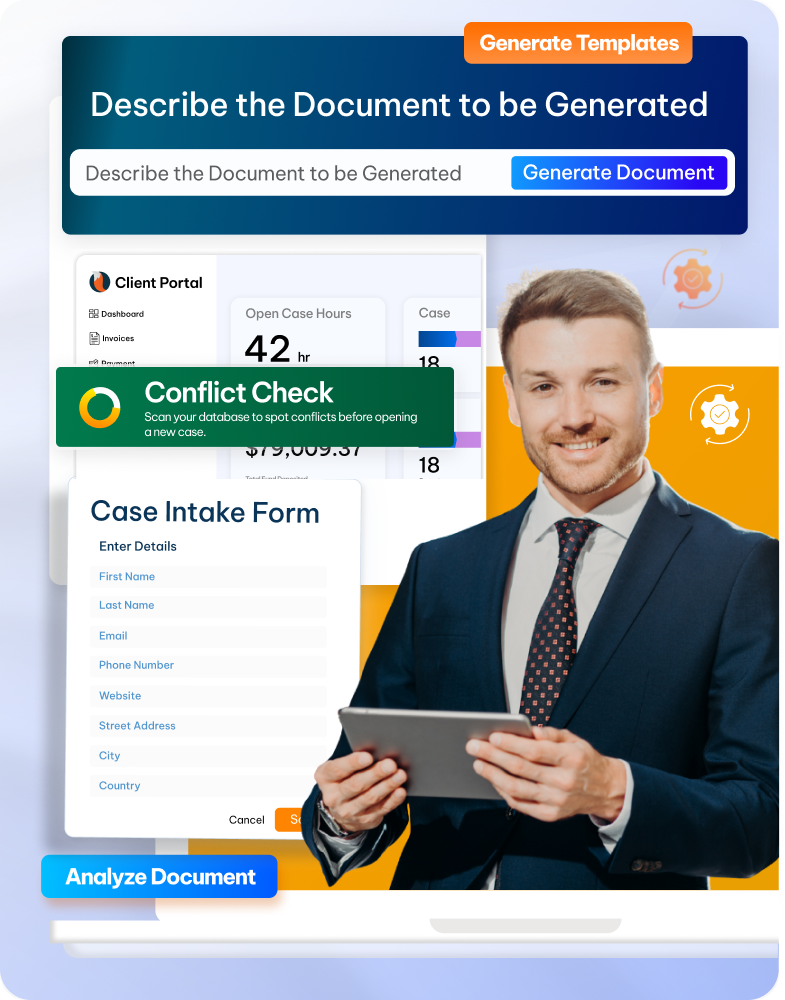
Collect all client data securely, along with case details, through customizable intake forms that don't require any login, and at the same time run a conflict check.
Complete Case & Client Management
Store case details, client records, and documents organized in a dashboard. Offer clients a personalized portal for messaging, document sharing, & payments via credit card, ACH, LawPay, or PayPal.
Advanced Legal Document Management
Use AI-driven document generation to draft pleadings, contracts, and correspondence, and retrieve files by case name, tags, or full-text search.
CaseFox is not just another legal software; it creates an experience for all users with personalized demos, advanced training, seamless data migration, and expert support that is available 24/7.
Get Started
Onboard staff efficiently with our on-demand training session with a dedicated account manager!

We are available for you 24/7 via phone, email, or chat to raise tickets and get immediate answers.
Explore all the features of CaseFox within one pricing plan and run your law firm smoothly without any unnecessary add-ons.

Manage all your cases in one place. Organize files, track progress, and collaborate with your team efficiently.
Learn More →
Track billable hours from anywhere, customize rates, and segregate time and expense entries. Log billable hours by simple text with SMS support and more
Learn More →
Securely store, organize, and access all legal documents with smart tagging and AI-powered legal drafting tools.
Learn More →
Quickly identify potential conflicts of interest across clients, cases, and contacts to stay compliant and avoid legal risks.
Learn More →
CaseFox offers automatic online payment functionality so that your clients can view and pay invoices online. Clients can view their payment history and the amount due.
Learn More →
Manage multiple trusts and operating accounts conveniently. You can also bulk pay invoices from Trust funds. Integration with QuickBooks and Xero.
Learn More →
From events, tasks, to time entries, manage all of it with a legal rule-based calendar. Manage firm and staff-wise calendars, send emails for upcoming events.
Learn More →
Generate legal documents, professional emails, cover letters, contracts, agreements, and more in minutes with AI multilingual support.
Learn More →
CaseFox streamlines billing and invoicing by setting recurring billing for cases. And one-click bulk invoicing to generate invoices in seconds.
Learn More →Why CaseFox for solo Lawyers?
CaseFox is designed to empower solo practitioners with a secure, all-in-one platform to simplify billing, organize documents, manage cases, and communicate with clients seamlessly.
Solo lawyers report billing cycles that are twice as fast
Solo practitioners capture 70% more billable time accurately.
Automated checks ensure invoices are generated error-free.
Blockworks does more in less time thanks to beehiiv's modern and intuitive platform.
CaseFox with QuickBooks, Dropbox, Xero, and more integrations.
Here’s what other legal professionals and law firms are saying about us. Be a part of leading legal tech with CaseFox.





“So far I've navigated on my own and it's fairly intuitive. the end product invoice/bill is extremely professional. I only have one client right now so it doesn't make sense to subscribe to legal billing software for a fee. SO grateful that Case Fox has a permanent free option for those just starting out with only a client or two. once my client base increases, I will be happy to subscribe. Thank you for this option!”

“I like that CaseFox contains all of the features I would need for basic case management in their free offering. This really gives you plenty of time to ensure it is the right fit for your practice before committing to the higher tiers.”

“I love the financing and case load tracking and recording aspect of this software the most. This enhances my efficiency in invoicing and gives a bird eye view of all that is happening in my practice from an accounting perspective. Client's details help also to allow for speed in contacting a client without the need to locate a physical case file.”
We have integrated some of the lawyer's favourite tools within CaseFox so you can run the practice your way.

Box

Dropbox

Excel file

Gmail

Google Calendar


Office 365

Outlook

QuickBooks

Microsoft Teams

Microsoft Word

Xero

PayPal

LawPay
Box
Dropbox
Excel file
Gmail
Google Calendar
Office 365
Outlook
QuickBooks
Microsoft Teams
Microsoft Word
Xero
PayPal
LawPay
Microsoft Word
Xero
PayPal
LawPay
Box
Dropbox
Excel file
Gmail
Google Calendar
Box
Dropbox
Excel file
Gmail
Google Calendar
Office 365
Outlook
QuickBooks
Microsoft Teams
Couldn’t find what you were looking for ?
Contact us at
Solo law practice management software is a digital platform built to streamline workflow and improve client service. It takes care of day-to-day legal operations like client intake, case/matter management, time tracking and billing, all while ensuring compliance. This helps lawyers improve their performance and allows them to focus on clients more efficiently.
These are the key features of a solo law practice software:
• Time & Expense: Automatic timers to record time entries for cases and clients, centralize legal expenses, generate invoices, settle vendor payments, and manage accounts.
• Legal Invoicing & Payments: Create customizable invoices that match your branding and accept online payments via credit card, debit card, PayPal, and LawPay.
• Client & Case Management: Manage all your clients, cases, and contacts in one place. Centralize data and access it on the go through mobile access.
• Legal Trust Accounting: Manage client trust funds separately and stay compliant with IOLTA regulations.
• Billing and Online Payments: Generate invoices and get paid faster through online gateways.
• Reporting & Analytics: Get an overview of firm-wide insights through dashboards, generate reports in real time, and never miss crucial updates.
• Third-Party Integrations: Integrate with tools like QuickBooks, LawPay, PayPal, and Xero for billing, and connect with Microsoft, Google Workspace, Box.net, Dropbox, and more for productivity.
Identify needs for your practice: Evaluate what you need help with, based on your clients, practice area and firm size.
A solo practitioner usually handles the entire legal workload, so choosing a comprehensive legal solution is important.
Look for features like automated billing, time and expenses, accounting, payments, conflict check, document management,
client portal, and more.
Operational considerations: Be clear about what you want from your software when deciding between a cloud-based or on-premise
solution. Factor in required integrations, user-friendliness, security, compliance, and support.
Solo attorneys are usually looking for software that is simple, reliable, and affordable. CaseFox checks all those boxes. It gives you billing, time tracking, case management, document storage, and client communication in one place, without the heavy learning curve that comes with bigger platforms. It is built to adapt to the needs of a solo law practice.
Most solo law firms prefer an all-in-one platform that handles their cases, clients, billing, accounting, payments, and documents without switching between different apps. CaseFox offers all these features in a single, affordable solution.
Billing improves significantly when you track time efficiently and send out invoices on time. CaseFox helps with both billing and invoicing. The built-in timers make it easier to record hours while you work on a case, and the invoicing tools speed up the entire billing process. Clients can pay directly from the invoice, so you don’t end up chasing payments. This helps in capturing more billable hours and getting paid faster.
The price of solo law practice software varies. CaseFox offers one simple and flexible solution that fits the needs of law firms of all sizes. CaseFox doesn’t have tier-based pricing, which means you don’t have to pay extra to unlock additional features. You can start using CaseFox for free and explore core features before deciding to upgrade.