POPI Act Compliant Law Software
CaseFox delivers full POPI Act compliance, mandatory data protection for Johannesburg, Cape Town & Durban law firms.


For firms & attorneys with case tracking, documents, agreements, time billing, and calendaring needs, developed for efficiency, regardless of your practice area.
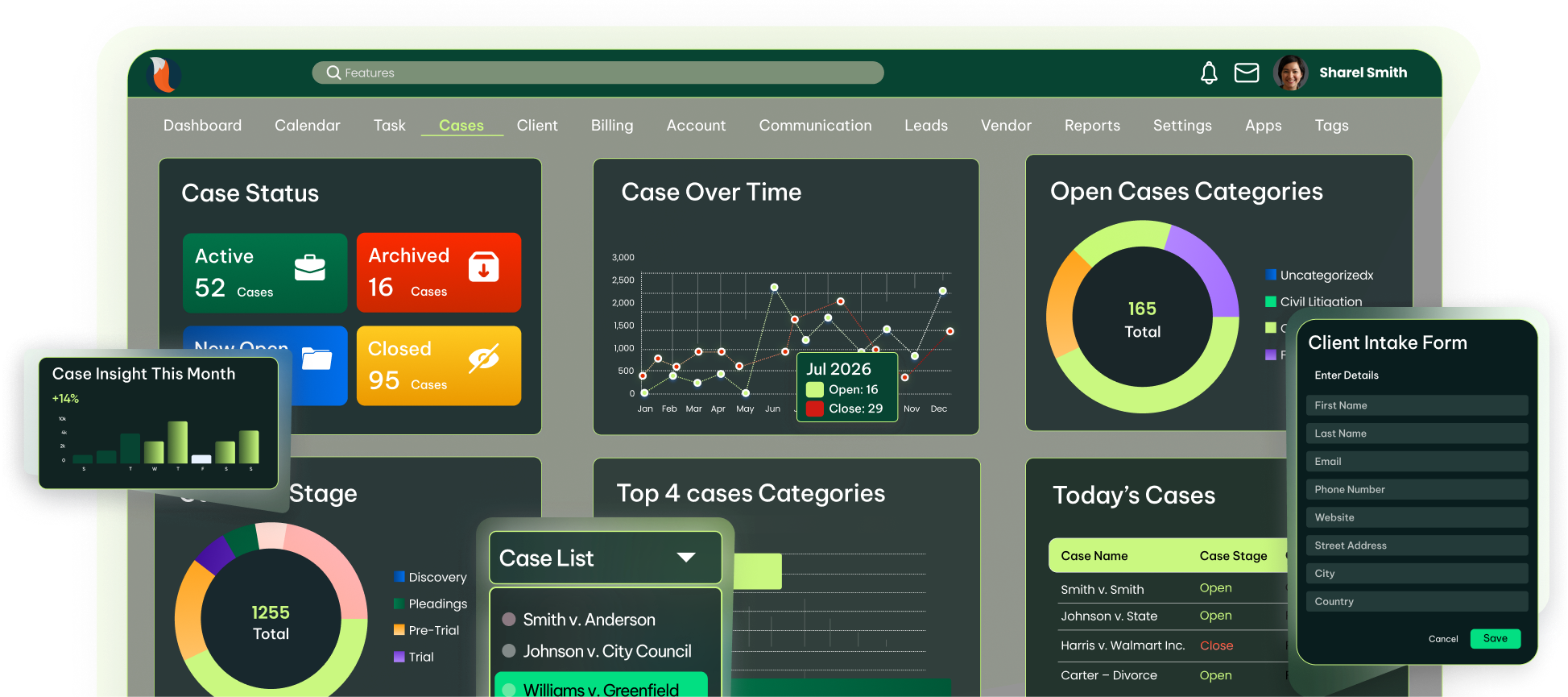
Managed in One Place
CaseFox delivers full POPI Act compliance, mandatory data protection for Johannesburg, Cape Town & Durban law firms.
You receive clear, transparent Rand pricing without forex fees or USD conversions for all firms across South Africa.
Save R2,400+/year on a centralized, digital document storage box with up to 10GB of storage for any device, including free users.
Onboard clients quickly, generate compliant invoices, and keep case information organised and accessible across devices.
Quickly onboard multiple cases and clients using CaseFox's flexible case management system and custom, POPI-safe intake forms for South African lawyers.
Easily set billing rules for local cases, generate compliant invoices through time and expense entries, and process bulk billing in moments.
Keep any case details organised and secure in one cloud repository, and view all details instantly from a mobile app remotely.
Track case tasks, integrate with your calendar, and manage access and billing rates with precision and security.
Create a task or event for each case, set them to repeat, check progress, get reminders for late ones, and make reports.
Set up a calendar and integrate that into your pre-existing calendaring app to add notes, time, costs, meetings, court dates, and more.
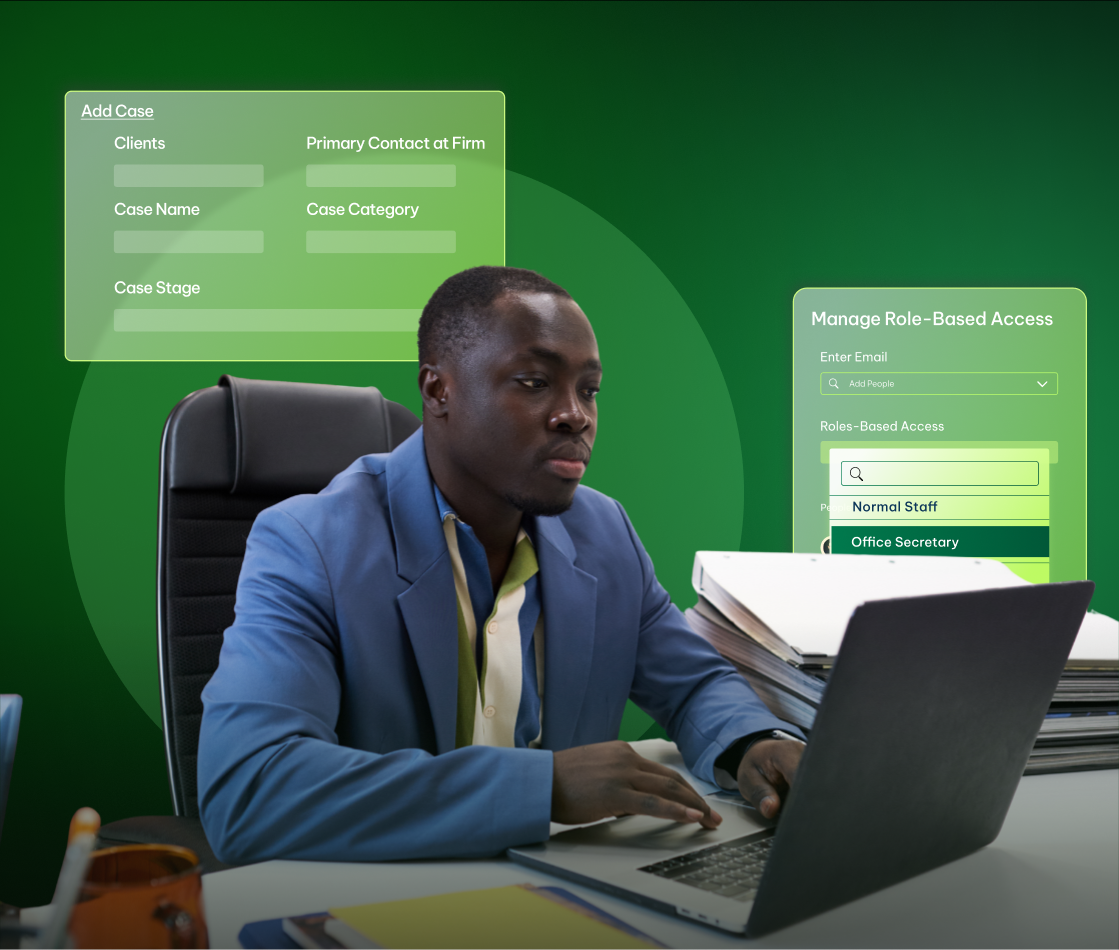
Choose who sees what in cases and set special rates for cases or staff. Keep your case and client info safe according to all compliance standards.
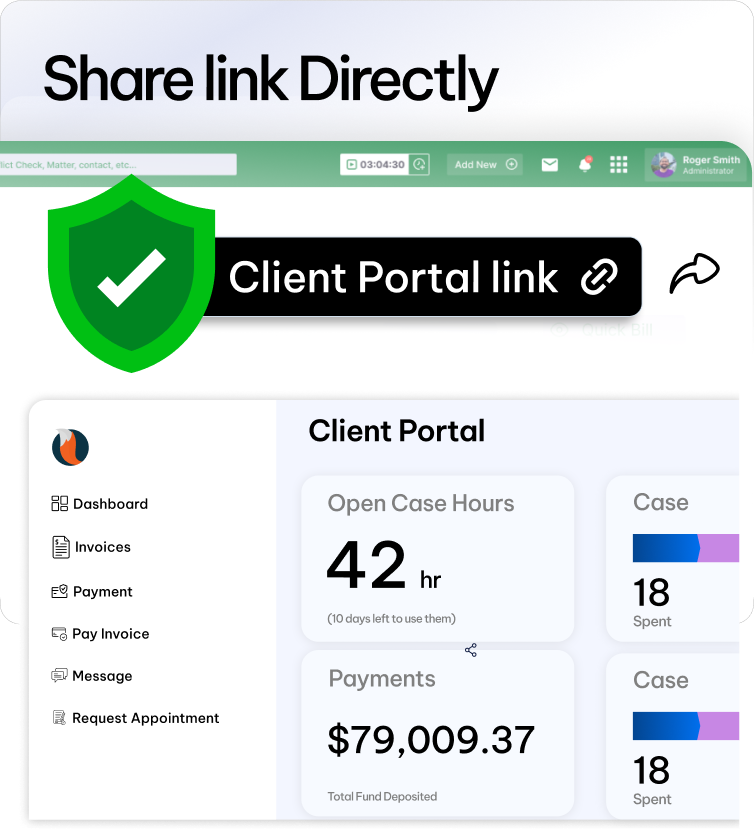
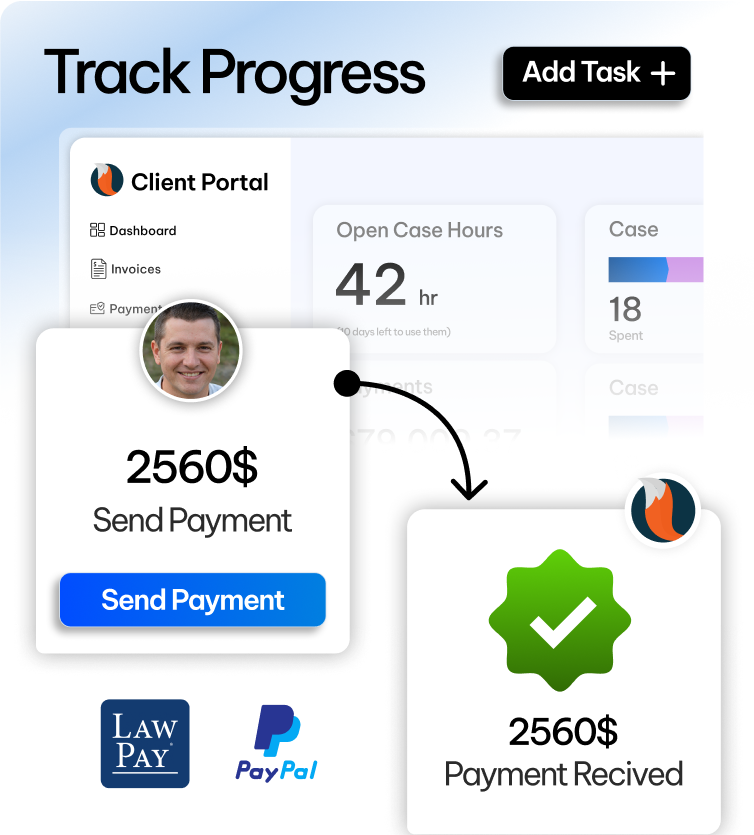
Manage multiple accounts, share case updates through a safe portal, and enable convenient online payments for faster, reliable billing.
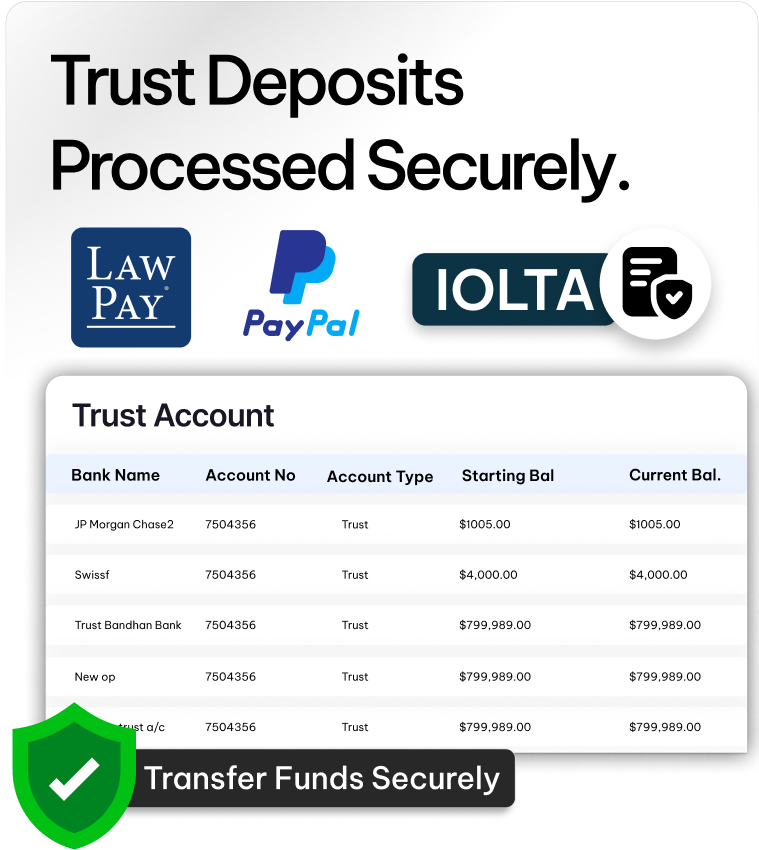
Add trust and operating accounts for clients from South Africa and globally - including custom currency. Move funds anytime and keep a clear ledger.
View full case details and documents, send updates and invoices via a safe client portal, and receive payments securely and on time.
Give your clients the convenience to pay invoices anytime using cards, PayPal through the client portal, simple, quick, and safe for South African lawyers.
Monitor case performance, export detailed reports, and track finances and progress from a clear, real-time dashboard.
Check the case insight dashboard anytime for all key info related to each case. Handle related work in real-time for your ZA firm.
Filter, search, and export reports on cases, tasks, events, and accounts. Export to CSV, Excel, or PDF as needed.
Watch firm finances with a clear ledger, growth stats, stages, billable hours, expenses, and revenue.
CaseFox gives ZA lawyers full control over cases and deadlines in one simple system. Track every detail, meet court dates, and work smarter.

Our team seamlessly migrates your data into the system at no additional cost.

Fast-track your legal operations with FREE online onboarding demo sessions.

Onboard staff efficiently with our on-demand training sessions.

We are available for you 24/7 via phone, email, or chat to raise tickets.
From startups to enterprises, CaseFox helps teams manage work faster and smarter.
The intuitive interface lets our entire team log in, export custom reports, and access everything securely online. Perfect for remote work, whether from home or on the road in Gauteng. The compliant storage keeps us worry-free, with no hidden costs.
“Budget-friendly and straightforward for me as a solo attorney handling selective cases, the precise time tracking and invoicing have transformed my billing accuracy with no more guesswork. CaseFox fits my small-scale needs perfectly in KZN, with seamless ZAR billing and effortless setup.”
“The mobile app timer makes logging time super easy on the go, invoices look sharp and professional, and trust accounting stays spot-on automatically. It's a real time-saver for busy court days, cutting hours off my week while handling POPI rules without hassle.”
“My experience with this program is that it is so easy to use. It doesn't require weeks of study or taking a course to try to figure it out. The app for CaseFox makes it very easy to record time using its timer and other features. The invoices are accurate and come out looking very professional. It also tracks my trust account and reflects transactions. ”
“So far, I like the fact that this product can be used across multiple industries. I would honestly say that it's a software that I can highly see in the future having multiple lawyers use it. I like that it is online and that my co-counsel in other provinces and countries can simply log in and enter their time on my cases.”
“The intuitive interface lets our entire team log in, export custom reports, and access everything securely online. Perfect for remote work, whether from home or on the road in Gauteng. The compliant storage keeps us worry-free, with no hidden costs.”
“Budget-friendly and straightforward for me as a solo attorney handling selective cases, the precise time tracking and invoicing have transformed my billing accuracy with no more guesswork. CaseFox fits my small-scale needs perfectly in KZN, with seamless ZAR billing and effortless setup.”
“The intuitive interface lets our entire team log in, export custom reports, and access everything securely online. Perfect for remote work, whether from home or on the road in Gauteng. The compliant storage keeps us worry-free, with no hidden costs.”
“So far, I like the fact that this product can be used across multiple industries. I would honestly say that it's a software that I can highly see in the future having multiple lawyers use it. I like that it is online and that my co-counsel in other provinces and countries can simply log in and enter their time on my cases.”
Seamlessly connect your workflow with the industry's leading tools. Whether it’s CRM platforms, communication apps, or analytics software, our system is designed
Struggling to pick the perfect software? We've got answers to your top FAQs right here.
Contact Us →
Legal case management software is a digital solution that helps law firms and
legal departments organise, track, and manage cases in one secure platform. It
centralises client information, documents, deadlines, tasks, billing, and
communication, improving efficiency and reducing administrative work.
With cloud-based access, legal teams can collaborate remotely, maintain accurate
records, and ensure compliance with data protection laws such as POPIA in South
Africa. By automating workflows and providing real-time insights, legal case
management software helps firms improve productivity, control legal costs, and
deliver better client service while maintaining security and accountability
across every matter.
Choose software that improves efficiency, protects sensitive data, ensures
compliance, and adapts to your firm’s size, workflows, and future growth.
Security & POPIA compliance:CaseFox provides encryption, audit
logs, and role-based access.
Centralised case management:CaseFox stores matters, documents,
and communication in one place.
Deadlines & tasks:CaseFox offers reminders and calendar
tools.
Billing & expenses:CaseFox supports time tracking and compliant
invoicing.
Remote access:CaseFox enables secure cloud and client portal
access.
Cloud-based access is essential for modern case management software because it allows legal professionals to securely access case files, documents, and updates from anywhere. It supports remote work, collaboration across offices, and business continuity during disruptions such as load shedding. With real-time data access, automatic backups, and secure encryption, cloud systems improve efficiency, reduce IT costs, and help firms maintain compliance while ensuring sensitive legal information remains protected and always available when needed.
No Credit Card Required
Our Free Plan is Free Forever